
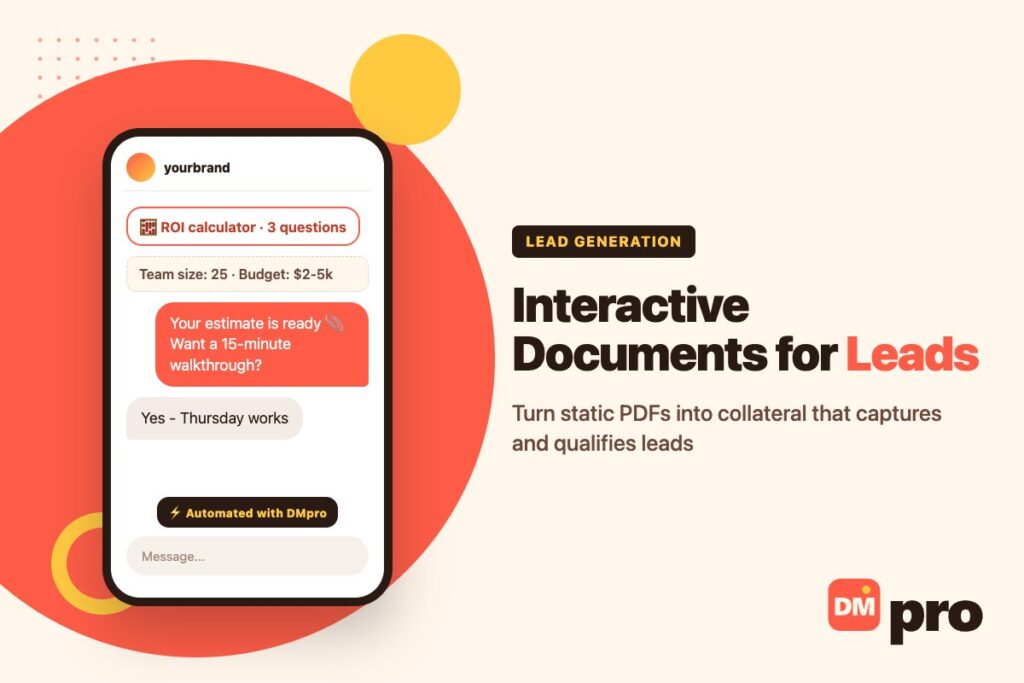
Static PDFs and slide decks rarely hold attention any more. Readers expect to click, choose and explore, and a document that only scrolls tells you almost nothing about who read it or what they cared about.
Interactive documents change both sides of that. Calculators, clickable sections, embedded demos and branching content keep readers engaged, and every choice they make becomes a signal you can use to qualify them as a lead. It is the document equivalent of starting a conversation – the same principle behind DM marketing.
This guide covers eight interactive techniques that boost lead generation, how to gate content without killing conversion, and the part most guides skip: how to get the document in front of the right people and follow up while their interest is fresh.
Key Takeaways
What Is an Interactive Document?
An interactive document is a whitepaper, e-book, sales sheet, proposal or report that readers can act on: clicking to reveal sections, entering numbers into a calculator, choosing a path, playing a demo or booking a call without leaving the page.
Why Static Collateral Underperforms
A static PDF offers one path for every reader and one signal – that it was downloaded. You do not know which pages were read, what the reader’s situation is or whether they are ready to talk.
What Interactivity Adds
Engagement
Readers choose their own path and stay longer.
Qualification
Their inputs reveal company size, budget, role and priorities.
Timing
A booking button at the right moment captures interest at its peak.

8 Interactive Techniques That Boost Lead Generation
Each technique below improves engagement and, just as importantly, tells you something about the reader.
1. Clickable Sections
Tabs, toggles, dropdowns and reveal buttons let readers open only what matters to them. A case study can let readers pick the customer profile closest to their own instead of reading every scenario.
Lead signal
Which sections were opened, and in what order.
2. Calculators and Assessments
Readers answer a few questions about their situation and get a tailored result: an ROI estimate, a savings projection, a risk score or a recommended package. A security whitepaper might ask five questions and return a grade with specific gaps.
Lead signal
Company size, current tools, budget and the problem they want solved – in their own inputs.
3. Selective Gating
Forms in front of whole documents convert poorly. Leave most of the content open and gate one high-value section – an industry benchmark, a detailed model or a proprietary report – where the reader has already seen enough to trust you.
Lead signal
Contact details from people who have already shown real interest.
4. Embedded Demos and Prototypes
Let readers try the product between chapters instead of imagining it. An agency can embed a project scoping tool; a software company can embed a working sandbox.
Lead signal
Which features were tried, and how deeply.
5. Interactive Visuals
Maps readers can filter, 3D models they can rotate and charts they can drill into turn a static figure into something to explore.
Lead signal
The regions, products or data points that held attention.
6. Personalised Paths
Ask a question early – role, industry or biggest bottleneck – and show different sections, examples and terminology based on the answer.
Lead signal
Role and main pain point, stated by the reader.
7. Data Behind the Charts
Let analytical readers click a chart to see the underlying numbers or export them. It builds trust with buyers who do not take conclusions at face value.
Lead signal
An analytical, research-stage buyer who wants detail.
8. Instant Booking and Chat
Place a scheduler, chat or call button right after the sections that surface a problem, so a reader can act while the need feels urgent.
Lead signal
Ready to talk – the hottest lead of all.
Static PDF vs Interactive Document
The difference shows up in both engagement and what you learn.
| Static PDF | Interactive document | |
|---|---|---|
| Reader path | One linear path | Chosen by the reader |
| What you learn | That it was downloaded | Sections opened, answers, inputs |
| Gating | Whole document or nothing | One valuable section, in context |
| Next step | Usually none | Booking, chat or demo in place |
| Updating | Re-export and resend | Update once, live for everyone |
You do not have to rebuild everything at once. Many teams start by editing an existing PDF – with a tool such as a PDF editor – to add links, form fields and a booking button, then move their best-performing piece to a fully interactive format.
How to Gate Interactive Content Without Killing Conversion
Gating works when readers already believe the locked part is worth it.
What to Gate
Gate
Benchmarks, detailed models, templates and personalised results from a calculator.
Leave open
The introduction, the core argument and enough examples to prove the document is good.
How to Ask
Ask for the minimum – usually a name and email – and explain what they get in return. Every extra field lowers completion, so collect role or company size through the interactive questions instead.

Distributing the Document and Following Up
The best interactive document still needs readers. Two channels work especially well alongside email and your website.
On Social: Deliver It in the DMs
Post a teaser – one chart or one calculator result – and invite people to comment or DM a keyword. The DMpro platform replies automatically with the document link, then asks for an email with a Wait for reply step and sends the answer to your CRM through a webhook. It removes the landing-page step and captures the lead in the same conversation. Our guide to generating leads with social media covers the wider playbook, and the Instagram lead magnet guide covers DM delivery in detail.
For B2B: Send It Through Contact Forms
When your buyers are companies, contactID can send a short, personalised note with one link to the document through each target company’s website contact form. It names each business with a tag, checks the message for too many links or a missing personal touch, and skips companies you have already contacted. It is the same channel agencies use for client outreach.
Follow Up Within a Day
Reference what the reader actually did – the calculator result, the section they opened – and offer one small next step. A reply that sounds like it knows what they explored converts far better than a generic “thanks for downloading”.
Deliver Your Documents by DM With DMpro
An interactive document is only as good as its distribution. The DMpro platform turns a comment or DM keyword into a conversation that sends the document, collects the reader’s email and passes the lead to your CRM, across Instagram, Facebook and other channels through their official APIs.
For B2B distribution, contactID delivers a short note with your document link through the contact form on each target company’s website, and only charges for forms that are actually submitted.
- Comment and DM keyword triggers
- Document link or PDF sent in the first message
- Wait for reply to collect the reader’s email
- Webhook to HubSpot, Zapier or your CRM
- Contact-form distribution to companies via contactID
- No landing page step between post and document
- Leads captured and scored in one conversation
- Free plan to start
- You still need a document worth reading
- Automated replies must stay within Meta’s 24-hour window
Conclusion
Interactive documents turn passive collateral into a lead generation and qualification tool. Clickable sections, calculators, selective gating, demos, personalised paths and in-place booking all engage readers and tell you what they need.
Pair the document with deliberate distribution – DM keywords on social, contact forms for B2B targets – and follow up within a day using what the reader explored. That combination moves collateral from a download count to a pipeline.
DMpro replies to comment and DM keywords with your document and captures the reader’s email – free to start.
Start free with DMpro