
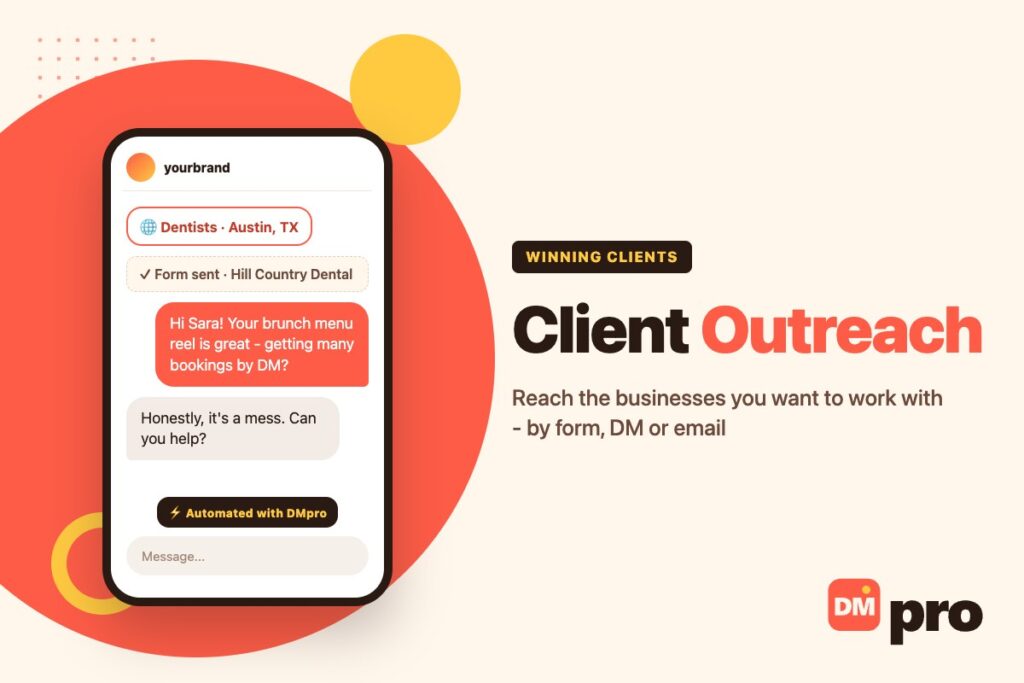
Waiting for clients to find you is a slow way to grow a service business. Referrals are wonderful but unpredictable, and inbound leads arrive when they arrive. Client outreach is the part of growth you can switch on yourself: you pick the businesses you want to work with and start the conversation.
For agencies, freelancers, consultants and local service providers, it is also the most direct way out of the feast-and-famine cycle. A steady outreach habit keeps the next client in progress while the current project is still running. It belongs to the same toolkit as the rest of DM marketing, but with a different goal: not a sale in the chat, but a call that turns into a contract.
This guide covers who to target, which channel reaches each kind of client, how to write a first message a busy owner will answer, the follow-up rhythm, and the mistakes that waste weeks. It also shows how to scale the two most time-consuming channels: website contact forms with contactID, and Instagram DMs with the DMpro Chrome extension.
Key Takeaways
What Is Client Outreach?
Client outreach is proactively contacting businesses or people you would like as clients, to start a conversation that leads to paid work. Instead of waiting for referrals or inbound enquiries, you decide who fits, research them, and make the first move.
What Good Client Outreach Looks Like
Targeted
A short list of businesses that clearly need what you do, not everyone who might.
Specific
Every first message mentions something true about that business.
Consistent
A few messages every working day beats a big burst once a month.
Aimed at a conversation
The goal of the first message is a reply, not a signed contract.
Client Outreach vs Sales Outreach
They overlap, but client outreach is usually done by the person who will deliver the work – the agency owner, the freelancer, the consultant – and it sells a service rather than a product. That makes credibility and fit more important than volume. For product-led prospecting at scale, see our guide to sales outreach.
Who Should Do Client Outreach?
Any business that sells a service and wants more control over its pipeline. The approach differs slightly by type:
Agencies
Marketing, web, design and SEO agencies usually sell to small and mid-sized businesses in a niche or a city. Their clients almost always have a website, which makes the contact form a natural first channel.
Freelancers and Consultants
Freelancers often reach founders and marketing leads directly. A single strong example of past work, mentioned in the first message, does more than any portfolio link.
Local Service Businesses
Cleaners, accountants, photographers and caterers win B2B clients such as offices, clinics and venues. Local relevance – “we are ten minutes away” – is their strongest opener.
The Client Outreach Process
Good outreach follows the same path every time. The steps rarely change; only the list and the message do, which is what makes the process easy to hand to a teammate.
Research
Define the client you want – industry, size, location and a sign that they need you now, such as an outdated website, no online booking or a new location. Then build a list that matches, and note one detail per business you can open with.
Reach Out
Send a short first message on the channel that business actually reads. The next section covers how to choose.
Follow Up
Plenty of owners only answer the second or third note. Send two follow-ups over about two weeks, each adding something – a relevant example, a quick idea, a smaller first project.
Book the Call and Win the Client
Once someone replies, move quickly to a short call to understand their situation, then send a clear proposal. A written outreach strategy keeps each step consistent from one campaign to the next.

Client Outreach Channels: Where Each Client Answers
There is no single best channel. The right one is wherever the decision maker actually reads messages.
Website Contact Forms
For most small and mid-sized businesses – clinics, law firms, restaurants, trades, software companies – the contact form on their website goes to an inbox the owner or office manager checks every day. Many of these businesses publish no email address at all, which makes the form the only written way in. Few competitors use it, because typing into forms site after site takes hours.
Instagram and TikTok DMs
For cafes, boutiques, studios, creators and founder-led brands, the owner often runs the Instagram account personally. A DM that mentions their latest post reaches them faster than any email. Our Instagram DM outreach guide covers profile setup and pacing.
Email and LinkedIn
For larger companies with defined roles, a named contact by email or LinkedIn is usually best. US senders of commercial email are bound by the CAN-SPAM Act: say who you are, give a postal address, and honour opt-out requests.
Referrals
Still the warmest channel. Ask every happy client for one introduction, and treat it as part of your outreach rather than a separate activity.
Which Channel for Which Client
Use this as a starting point, then adjust to what your own replies tell you.
| Client type | Best first channel | Fallback | Tool |
|---|---|---|---|
| Clinics, law firms, trades, restaurants | Website contact form | Phone or email | contactID |
| B2B software and service companies | Website contact form or email | contactID or an email tool | |
| Cafes, boutiques, studios | Instagram DM | Contact form | DMpro extension |
| Creators and founder-led brands | Instagram or TikTok DM | Email in bio | DMpro extension |
| Enterprise teams | Email to a named contact | An email tool |
How to Write a Client Outreach Message
A busy owner decides in seconds whether to answer. The message has to prove relevance immediately and make replying easy.
The Four Parts
A specific detail
Something true about their business: a new location, a slow mobile site, a service missing from their menu, a recent post.
A relevant result
One sentence on what you did for a similar business. Skip it rather than exaggerate.
One clear offer
A small, concrete first step – an audit, a mock-up, a 10-minute call.
An easy question
Something they can answer in a line, such as “Worth a look next week?”
Adapting It to the Channel
A DM is a chat opener: two sentences, no link, no price. A contact form or email is a short business note: a subject line with the company’s name in it, a message of roughly 60 to 100 words, and a sign-off with your name and business.

How to Run Client Outreach With contactID
contactID is a Chrome extension with a web dashboard that sends your message through the contact form on every website in a list. It suits agencies and service businesses selling to other businesses.
Find the businesses
Pick a category – dentists, restaurants, law firms and thousands more – and a city. contactID shows how many businesses exist there for free; unlock the ones you want with lead credits and they arrive with their contact page, city, rating, review count and category. Lists you already have can be pasted in or uploaded as spreadsheets and text files.
Set up your agent
Enter the details forms ask for – name, email, company, phone – and write the subject and message once. Tags such as {{lead_name}} and {{city}} change for every business, and optional AI personalization can write part of each message per site.
Review the pre-flight report
Before sending, contactID flags websites with no contact form and businesses you already contacted, so nobody hears from you twice by accident.
Send
The extension opens sites in background tabs, fills each form and submits it while you keep working. Credits are used only for forms that go through; a site with no form, or a submission that fails, costs nothing.
Handle the replies
Businesses answer the email address you entered on the form. Reply quickly and move to a call. If you are testing two messages, A/B split testing shows the submission success rate of each.

Client Outreach on Instagram With the DMpro Extension
When your clients run their business from Instagram or TikTok, the DMpro Chrome extension handles the DM side. You describe your service and the reply you want in one prompt; on each profile, the AI writes a separate DM from the owner’s name, bio and follower count.
Sending at a Safe Pace
Send one profile at a time with Auto-Send, or load a list of handles for a campaign that works through them over hours or days. New users start in Safety Mode, which keeps you to 20 DMs a day spaced 3 to 6 minutes apart and pauses if Instagram shows a warning. Your Instagram password is never requested.
When to Use Both Tools
Many agencies do: a DM to the owner of a cafe or studio that is active on Instagram, and a contact-form message to the clinic or firm that is not. Keep a single record of who was contacted on which channel so no business gets both in the same week.
Common Client Outreach Mistakes
When a campaign stalls, check these first.
| Mistake | Why it fails | Fix |
|---|---|---|
| No research | A generic pitch says you did not look | One real detail per business |
| Talking about yourself | The client cares about their problem | Lead with what you noticed |
| Asking for too much | A 45-minute call is a big ask from a stranger | Offer a small first step |
| Giving up after one message | Most replies come on a follow-up | Plan two follow-ups |
| Messaging on every channel at once | It feels like pressure, not interest | One channel, one fallback |
| No record kept | The same business gets the same pitch twice | Log every contact and every no |
Scale Client Outreach Without Losing the Personal Touch
The slow part of client outreach is not writing one good message; it is sending a personal version to every business on your list. contactID does that for website contact forms: find businesses by category and city, write the message once with tags, and let the extension fill in every form. Pay-as-you-go starts at $0.15 per site, and you are only charged for forms that are actually submitted.
For clients who live on Instagram or TikTok, the DMpro Chrome extension writes a DM from each profile and sends it for you from your own account, within a daily limit you choose.
- Find businesses by category and city, with contact pages known
- One agent message, personalized per site with tags or AI
- Pre-flight report and Contacted before guard
- Forms filled in background tabs while you work
- Instagram and TikTok DMs through the DMpro extension
- Reaches businesses that publish no email address
- Charged only for submitted forms
- A/B split testing of messages
- Replies arrive in your own email inbox; there is no built-in reply tracker yet
- It sends what you write – a vague offer stays vague
Conclusion
Client outreach turns growth from a waiting game into something you control. Choose the businesses you want, reach them on the channel they actually read, open with something specific, and follow up twice with something new.
Keep it steady rather than heroic: a small batch every working day, reviewed every week. Let tools handle the repetitive part – contact forms for most businesses, DMs for the ones that live on Instagram – and spend your own time on the calls.
contactID sends your message through each website’s contact form – personalized per business, charged only when sent.
See how contactID works