
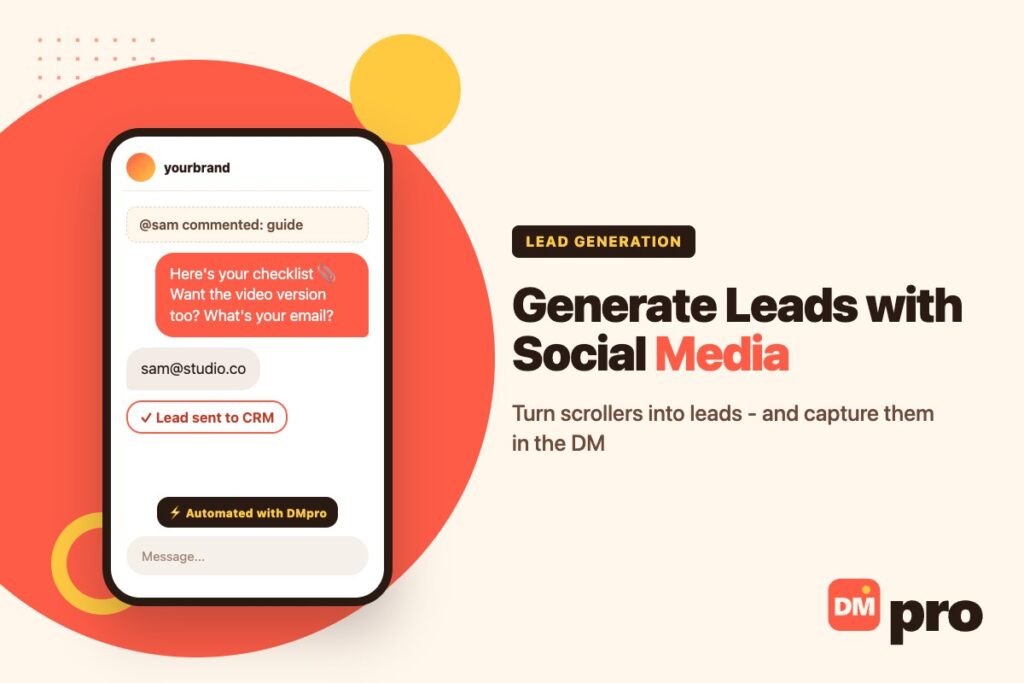
Social media is where your future customers already spend their time. The hard part is not reaching them; it is turning a like, a view or a comment into a lead – a person you can actually follow up with.
Most businesses lose people in the gap between the post and the form. Someone is interested enough to comment, but not interested enough to click a link, open a landing page and fill in five fields. Closing that gap – often with a conversation in the DMs – is where much of modern DM marketing earns its keep.
This guide covers twelve tactics to generate leads with social media, the platform-specific features worth using, how to capture and qualify leads inside the conversation with the DMpro platform, and how to measure what is working.
Key Takeaways
What Is Social Media Lead Generation?
Social media lead generation means using social platforms to attract potential customers and collect a way to contact them again – an email address, a phone number, a booked call or an ongoing conversation.
Followers vs Leads
A follower may like your posts for years without ever buying. A lead has taken a step that lets you reach them directly, which is what turns interest into a pipeline you can manage.
Why Social Works for Lead Generation
People research there
Buyers look at a brand’s profile, content and comments before they contact it.
You can start a conversation
A comment or DM opens a one-to-one channel that a banner ad never does.
Targeting is precise
Paid formats let you reach people by interest, behaviour and lookalike audiences.

Tactics 1-4: Get the Foundations Right
Before any campaign, make sure the basics turn visitors into contacts.
1. Optimise Your Profile
Your profile is often the first thing a potential lead sees. Say who you help and how in one line, use a clear photo or logo, add contact options and one link to a page built for sign-ups.
2. Publish Content That Attracts the Right People
Educational posts, Reels, carousels and lives that solve one problem for one audience attract people who might buy, not just people who might like. End each piece with one specific next step.
3. Offer a Lead Magnet
A checklist, template, mini-course or discount gives people a reason to share their details. Name the outcome, not the format – “the 9-step pricing checklist” beats “our free e-book”. On Instagram, delivering it by DM usually converts best; see our guide to the Instagram lead magnet.
4. Show Proof
Testimonials, before-and-after results, case studies and customer content make a stranger more willing to raise a hand. Pair each proof post with a gentle call to action.
Tactics 5-8: Start Conversations That Capture Leads
The biggest lift usually comes from moving the capture step into the conversation itself.
5. Use Comment and DM Keywords
Invite people to comment or DM a word such as PRICE or GUIDE, then reply automatically in the DM with the resource and one question. Make sure the thing you promised is also available another way; the keyword is a convenience, not a gate. Our comment-to-DM automation guide covers the setup rules Meta sets.
6. Capture the Email or Phone in the Chat
After delivering value, ask for an email or phone number in the same conversation. Nobody has to leave the app, open a page or fill in a form, which removes the step where most people drop off.
7. Qualify With Buttons
One or two tap-to-answer questions – budget range, timeline, what they need – route each lead to the right offer and tell you who deserves a personal reply first.
8. Work With Creators
Creators your audience already trusts can share your guide, trial or giveaway in their own voice. An influencer marketplace or direct outreach helps you find the right ones.
Tactics 9-12: Paid and Follow-Up
Paid formats add reach and precision once organic tactics are working.
9. Use Native Lead Ads
Meta’s Lead Ads open a pre-filled form inside Facebook or Instagram, and LinkedIn’s Lead Gen Forms do the same for professional audiences. They usually convert better than sending people to an external page – but follow up fast, because in-app sign-ups cool quickly.
10. Send Ad Clicks Into a Conversation
Click-to-message ads open a chat instead of a website, so the first touch is already a conversation you can qualify. See our guide to click-to-Instagram-Direct ads.
11. Target and Retarget Precisely
Start with lookalikes of your best customers, then retarget people who visited your site or engaged with your content, with an offer that fits their stage.
12. Run Contests Carefully
A prize your ideal customer actually wants brings in better leads than a random gadget. Keep entry simple, state the rules and dates clearly, and follow each platform’s promotion rules.

Platform-by-Platform Lead Generation
Each platform rewards a slightly different approach.
Best move
Comment and story-reply keywords that open a DM, plus link stickers in Stories.
Keep in mind
Automated replies must stay within Meta’s 24-hour messaging window after the person’s last message.
Best move
Lead Ads with instant forms, and Messenger links in posts and ads.
Keep in mind
Send a thank-you message straight after a form submission so the lead does not go cold.
Best move
Thought-leadership posts plus Lead Gen Forms targeted by job title or industry.
Keep in mind
Pitching in a connection request kills the relationship before it starts.
TikTok and YouTube
On TikTok, hook with a short answer and point to the bio link or a comment keyword. On YouTube, use description links, a pinned comment and end screens on educational videos.
X and Communities
Join conversations in your niche, pin your main offer, and share links only when they genuinely answer a question. The same applies to Reddit, Discord and niche forums.
How to Capture Social Leads in the DM With DMpro
The DMpro platform connects your Instagram, Facebook and other messaging accounts through their official APIs and automates the conversation between the post and the lead.
Pick the trigger
A comment on a post or Reel, a DM keyword, a story reply or a mention on Instagram; on Facebook, a Lead Ad form submission or a Messenger link or ad click.
Deliver the value first
Send the guide, discount code, price list or booking link in the first message, as a text, a PDF or product cards.
Ask for contact details
Use Wait for reply to collect an email address or phone number. The answer is stored so later messages and webhooks can use it.
Qualify with Paths
Offer two to five buttons – for example budget, timing or product – and send each answer down its own path.
Send the lead to your CRM
Call a webhook to push the lead to HubSpot, Zapier or your own system, and set a follow-up message if someone does not reply within a window of up to 24 hours.
How to Measure Social Media Lead Generation
Track each source separately so you know where to spend.
| Metric | What it tells you | How to track it |
|---|---|---|
| Leads captured | Volume from each post, ad or keyword | Unique keywords, UTM links or form IDs per source |
| Cost per lead | What each lead costs by channel | Spend divided by leads, per platform |
| Conversion rate | How well the offer and next step work | Leads divided by clicks or conversations |
| Lead quality | Whether leads become customers | CRM stage reached, meetings, purchases |
| Speed to reply | How fast hot leads hear back | Time from capture to first personal reply |
Add a “How did you hear about us?” field to forms and checkout. It is the simplest cross-check on what your tracking says.
Outbound Lead Generation on Social
Everything above is inbound: people come to you. For some businesses the fastest route is also to reach out first.
When Outbound Makes Sense
If your buyers are creators, shop owners or founders who run their own accounts, a short, specific DM can start a conversation that no post would. Keep it to a researched list and a small first ask.
Tools for It
The DMpro Chrome extension drafts a personal DM for each profile from its name and bio and sends it from your own account with daily limits and random delays. Inbound capture runs on the DMpro platform; outbound runs on the extension.
When the Buyer Has No Account to DM
Half of a B2B list usually does not fit any of this. Clinics, contractors, wholesalers and local firms keep a current website and a social account nobody has opened since 2023. Sending a DM there is writing to an empty room – the enquiry form on their site is the inbox somebody actually reads.
contactID covers that half. You hand it the website addresses, it finds the contact form on each one and submits your message, and its analytics record the exact values it entered so you can see what every business received. A credit is spent only when a form goes through, which matters on a list where some sites turn out not to have one.
Capture Social Leads Automatically With DMpro
The DMpro platform turns comments, DMs, story replies and Facebook lead forms into conversations that capture contact details: it delivers what you promised, asks for an email or phone number, qualifies with buttons and sends the lead to your CRM.
It works across Instagram, Facebook Messenger, WhatsApp, TikTok and more through their official APIs, so you never share a password, and there is a free plan to start.
- Comment, DM, story reply and mention triggers
- Facebook Lead Ad and Messenger link triggers
- Wait for reply to collect email or phone
- Paths buttons to qualify each lead
- Webhooks to HubSpot, Zapier or your CRM
- Captures leads without sending people off the app
- Official API connections, no password sharing
- Free plan to test your first flow
- Replies must stay inside Meta’s 24-hour window
- It captures and qualifies – closing is still your team’s job
Conclusion
Generating leads with social media comes down to three things: content that attracts the right people, one clear next step on every post, and a capture step that does not make people leave the app.
Start with one channel and one tactic – a comment keyword that delivers a lead magnet by DM and asks for an email is a good first test. Measure cost per lead and lead quality by source, then add lead ads and outbound once the first flow works.
DMpro delivers the lead magnet, captures the email and sends it to your CRM – free to start.
Start free with DMpro