
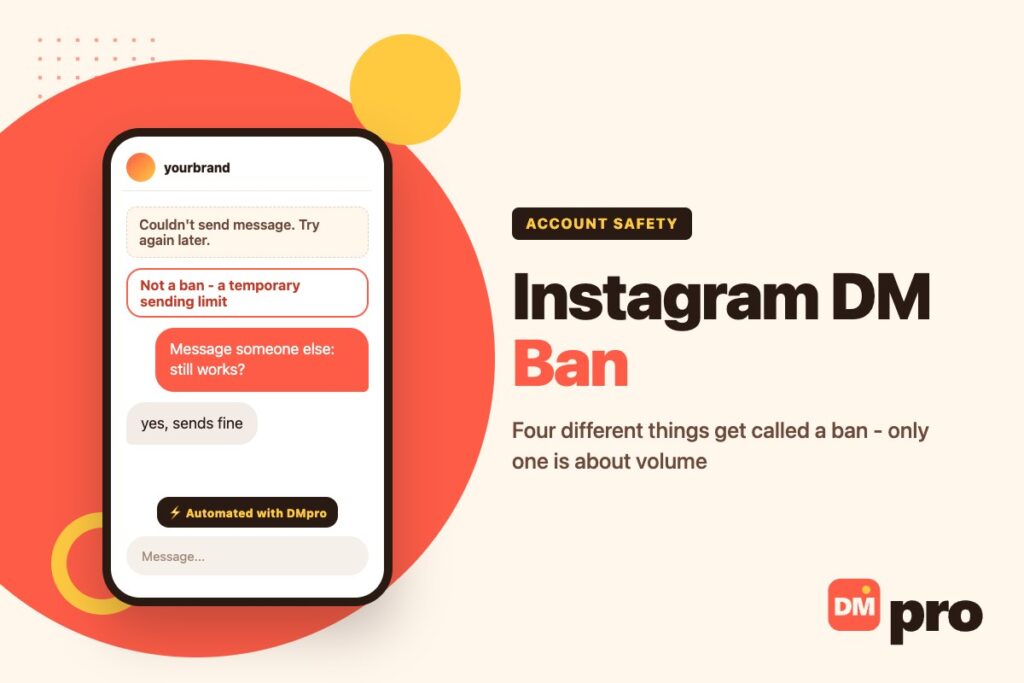
You try to send a message and Instagram refuses. There is no explanation, no duration, and no obvious appeal – which is why the internet is full of confident guesses about how long it lasts.
The first thing worth knowing is that four separate situations produce almost the same experience, and only one of them is about you sending too much. Working out which one you have takes about ten seconds and changes what you should do next, including whether there is anything to do at all.
The second is that the trigger is pattern rather than volume alone. A polite, well-written message sent identically to two hundred people is far more likely to trip it than two hundred different messages would be – which is the part that matters if you use DMs for outreach.
Key Takeaways
The Ten-Second Test
Open a different conversation – ideally with someone who has messaged you before – and send anything at all.
If that message goes through, nothing has been applied to your account. What you hit was specific to the other conversation: that person has blocked or restricted you, or the account is gone. There is no limit, no penalty, and nothing to wait out.
If it fails there too, the restriction is on your side, and the next question is whether it is a temporary sending limit or something at account level. Those are different in cause, duration and remedy, and the sections below separate them.

Telling the Four Apart
Match what you are actually seeing. The right-hand column is the whole of the correct response.
| What you see | What it is | What to do |
|---|---|---|
| Sending fails everywhere, no notice | A sending limit | Stop sending. It lifts by itself |
| A notice about your account status | A feature restriction | Read it, and appeal in Account Status |
| Only one thread fails | That person blocked or restricted you | Nothing. It is not about you |
| Some settings locked, messaging fine | New-device security limits | Use a device you normally use |
| “Try again later” on one action | A rate limit on that action | Wait, then slow down |
What Instagram Actually Says
Very little, and it is worth quoting precisely because so much has been written around it.
Instagram’s own page on messaging limits says the limits exist to stop direct messages people may not want to get, like spam. Then the operative sentence: if you were warned about sending too many messages and continue to do so, you may not be able to send more direct messages for a period of time.
Two things follow from that. The warning comes first – a limit is rarely the opening move, and continuing after it is what escalates. And “a period of time” is deliberately unspecified, so the confident twenty-four-hour and seventy-two-hour figures in circulation are not from Instagram.
The same page carries one hard number that is worth knowing: you can only forward a message to up to five chats at a time.
What Trips It, and What People Wrongly Blame
The system is looking at the shape of your sending rather than the content of any single message. That is why a courteous, well-written template gets limited while messier real conversations do not.
- Sameness. The same text sent repeatedly is the clearest signal available, and it is the one most outreach falls foul of.
- A burst after silence. An account that sends nothing for weeks and then a hundred messages in an afternoon is a shape worth flagging.
- All-cold contacts. Messaging only people who have never interacted with you, at volume.
- Continuing after a warning. Instagram names this specifically as what extends the restriction.
- What does not matter: message length, including a link, replying to people who wrote to you first, using a desktop, or simply having a newer account. New plus high volume is a problem; new by itself is not.

How Long It Lasts, Honestly
Nobody outside Meta knows, and Instagram does not publish it. What can be said with confidence is the shape rather than the number.
A first limit is short and lifts on its own. Repeatedly hitting it after warnings extends the restriction, which is the one causal relationship Instagram states directly. And the single most common way people make it worse is testing whether it has lifted every few minutes – each attempt is another data point in the pattern that caused it.
So the practical answer is: stop sending entirely, use the account normally otherwise, and try again tomorrow rather than in ten minutes. Answering anything already in your requests folder is fine meanwhile – inbound is not what was limited. If the restriction is at account level instead, Account Status is where the notice and the appeal live, and that is a genuinely different route with a genuinely different timeline.
What to Do, and What Makes It Worse
There is no appeal for a sending limit, so the only variable you control is what you do while it is running.
| Do | Why | Do not | Why not |
|---|---|---|---|
| Stop sending entirely | The pattern is what caused it | Retry every few minutes | Each attempt adds to that pattern |
| Use the account normally | Browsing and posting are unaffected | Switch to a second account | Linked accounts are visible to Instagram |
| Answer inbound messages | Replies are the safest traffic | Change your password | Unrelated, and adds a security event |
| Wait until tomorrow | First limits are short | Install a third-party unblocker | There is no such thing – it wants your login |
| Check Account Status | Separates a limit from a restriction | Appeal a limit | There is nothing to appeal |
Not to Be Confused With a Security Lock
A separate mechanism produces a similar feeling of being locked out and has nothing to do with messaging.
When Instagram sees a login from a device or browser it does not recognise, it temporarily limits access to certain security and account settings for a few days. That is a protection against someone who has just taken your account, and it applies only on the unfamiliar device – signing in from the phone you normally use restores access.
People hit this after a holiday or a new laptop, find some settings greyed out, and conclude their account has been penalised. It has not. Nothing about it restricts sending messages.
Sending at Volume Without Tripping It
This is the part that matters if messaging is how you sell, and it is not a matter of finding a safe number – there is no published number, and any tool promising one is guessing.
What actually keeps an account healthy is making the sending look like conversation rather than distribution. That means messages that differ from each other in more than a first name, gaps between them rather than a block of sending, a daily ceiling you stay well under, and warming up gradually rather than starting at full volume on a fresh account.
The other half is direction. Inbound is close to unlimited: replying to people who messaged you first, answering comment-driven questions, responding to story replies. Outbound to strangers is what the system exists to slow down. A business that shifts its ratio towards inbound – by giving people a reason to message first – runs into these limits far less than one blasting outward, and converts better besides.
For the mechanics of pacing and what the practical ceilings look like day to day, how Instagram’s messaging limits work goes into the specifics.
If the sending is outbound and you want the pacing handled rather than watched, the DMpro Chrome extension is built around exactly these constraints: a different opener per profile, uneven gaps between sends, a daily ceiling you choose, and an automatic stop the moment Instagram pushes back. It runs in the browser you are already signed into, so there is no password to hand over.
Volume Is Not the Variable. Sameness Is.
The DMpro Chrome extension writes each message against the profile in front of it rather than filling a name into a template, and spaces the sending out with uneven gaps and a daily ceiling, so the shape never looks like distribution.
That is the difference between outreach that keeps working and outreach that gets an account limited in week two. The other half of the ratio – answering the people who message you first, which is the traffic Instagram barely limits – is the DMpro platform, and it is free for 250 conversations a month.
- Extension: an opener written from each profile, not a template
- Extension: uneven gaps between sends and a ceiling you set
- Extension: starts low on a new account rather than at full volume
- Extension: stops by itself at the first delivery warning
- Platform: inbound replies answered automatically, which is the traffic Instagram barely limits
- Sending that does not look like a broadcast
- Pacing handled rather than guessed at
- Inbound answered instantly, which is unlimited traffic
- Free plan covering 250 conversations a month
- No tool can promise a safe volume – Instagram publishes none
Conclusion
Message someone else first. That one test separates a restriction on your account from one person blocking you, and it resolves a large share of these questions before any troubleshooting starts.
If it is a genuine sending limit, stop sending and leave it until tomorrow. It is temporary, there is nothing to appeal, and the only reliable way to make it longer is to keep testing whether it is over.
Per-contact messages, safe pacing, and every inbound reply answered instantly.
See how it works