
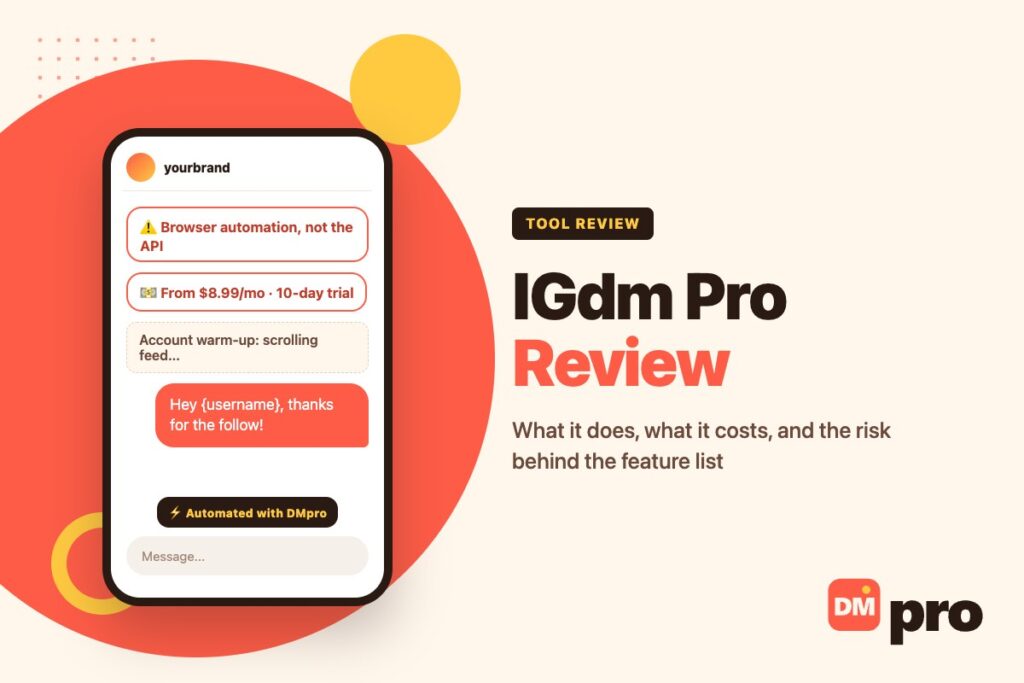
IGdm Pro markets itself as “the only Instagram DM automation tool that truly works”, and its feature list backs up the ambition: welcome DMs to new followers, bulk messaging, keyword auto-replies, comment-to-DM on any public post, lead exports and A/B testing, from $8.99 a month.
It is also built on a design choice that decides everything else. IGdm Pro drives a real Instagram session in a browser rather than connecting through Meta’s official API – which is why it can do things official tools cannot, and why it ships with an account warm-up feature.
This review covers what the tool offers, what it costs, how the two connection methods differ, and where a safer setup makes sense. It is based on the vendor’s own published material rather than a hands-on trial, so treat the feature claims as theirs and the risk analysis as ours. If you are choosing between tools generally, our roundup of the best DM apps compares the categories.
Key Takeaways
What Is IGdm Pro?
IGdm Pro is an Instagram DM automation tool that handles outreach and inbox tasks from one dashboard. It is not the old open-source desktop client some people remember by a similar name; this is a commercial automation platform.
What It Automates
Welcome DMs
A message that goes out minutes or hours after someone follows you, with a custom delay and merge tags.
Bulk messaging
Personalised messages to a list, with merge tags or AI variants and A/B testing.
Auto-replies
Keyword and phrase matching on incoming DMs.
Comment-to-DM
Monitoring a post – including a competitor’s public post – and messaging everyone who comments.
Lead export
Exporting people who liked or commented on a post, or an account’s followers, as a CSV.
How It Connects
All of that runs by automating a real Instagram session in a browser on your behalf. That single design choice explains both its reach and its risk, and it is the thing to understand before connecting an account you care about.

Browser Automation vs the Official API
Every Instagram DM tool sits on one side of this line, and the side it sits on determines what it can offer you.
What Browser Automation Unlocks
Because a script is clicking as you, it can do anything you could do by hand: notice a new follower and message them, message strangers in bulk, like posts, and collect public data from profiles. No officially connected tool can do those things.
What It Costs You
Those are also the behaviours Instagram’s systems look for. Instagram sets out its position on automated activity in its help centre, and the practical result is action blocks, message failures and, if you push hard, a lost account. A warm-up feature reduces the signal; it does not remove the risk.
What the Official API Cannot Do
Honesty cuts both ways here. An official-API tool cannot message people who never contacted you, and it cannot send a welcome DM to a new follower, because Instagram’s messaging API has no follow event at all. Anyone claiming otherwise is either using browser automation or describing a limited Meta beta.
IGdm Pro Features in Detail
Taken from the vendor’s own site, grouped by what the job actually is.
Outreach Features
Bulk messaging
Send to a list with merge tags or AI-written variants, and compare reply rates between versions.
Comment-to-DM on any post
Including competitors’ public posts, filtered by keyword – the most aggressive feature in the set.
Lead export
Likers, commenters and followers of an account, exportable for messaging.
Inbox Features
Keyword auto-reply
With the option to skip a reply when a conversation is already active.
Labels, reminders and scheduling
Basic organisation for a busy inbox, plus saved replies.
Privacy extras
Disabling read receipts and saving disappearing media.
The Compliance Question
Exporting people’s contact details and messaging people who never opted in sits in difficult territory for privacy law and for Instagram’s terms. It is worth deciding where your own line is before you build a process on it – and our guide to mass DMing safely covers the volumes that keep accounts alive.
IGdm Pro Pricing
From the vendor’s site in September 2026. Only the entry price is published, so confirm current tiers before buying.
| Plan | Price | Notes |
|---|---|---|
| Free trial | 10 days, no card | Full access to test the tool |
| Entry plan | From $8.99 a month | Advertised starting price |
| Higher tiers | Not published | Volume and team plans exist; ask the vendor |
IGdm Pro Pros and Cons
A balanced view of what you get and what you take on.
| Pros | Cons |
|---|---|
| All-in-one: welcome DMs, bulk, auto-reply, comment-to-DM | Runs on browser automation, not the official API |
| AI and merge-tag personalisation with A/B testing | Ships a warm-up feature because the automation risks flags |
| Strong lead-generation and export tools | Exporting contact details raises privacy questions |
| Low entry price and a no-card trial | Instagram only – no TikTok, WhatsApp or Messenger |
| Useful inbox extras: labels, reminders, scheduling | You hand a third party control of your logged-in account |
Is IGdm Pro Safe to Use?
It carries real, structural risk – and the product’s own design acknowledges it.
Why the Warm-Up Feature Is the Tell
IGdm Pro’s warm-up runs paced activity in a visible browser window: scrolling the feed, viewing stories, liking posts. It is a thoughtful touch, and it exists because the underlying automation is the kind Instagram tries to detect.
If You Use It Anyway
Never on your main account
Use an account you could afford to lose.
Start slow
Low daily volumes, ramped over weeks, with genuine personalisation.
Stop at the first warning
An action block means pause for a day or two, not push through it. Our Instagram DM limit guide covers the signals.
A Safer Setup: Official API Inbound, Careful Outbound
Most businesses want two things: their inbox answered, and a way to start conversations. Splitting those across the right tools removes most of the risk from the first half.
Inbound With the DMpro Platform
The DMpro platform connects through official APIs and answers the people who contact you – comments, DMs, story replies and mentions – across Instagram, TikTok, Messenger, WhatsApp, Telegram and LinkedIn comments, with keyword rules, button paths and AI replies. Threads land in one Conversations inbox and leads can be pushed to your CRM by webhook. It does not send welcome DMs to new followers, because the API offers no such trigger.
Outbound With the DMpro Extension
The DMpro Chrome extension covers the other half for Instagram and TikTok: an AI-written message per profile, sent from the session already open in your browser, with a daily cap, random gaps and automatic pauses on a warning. It is listed on the Chrome Web Store, and its own documentation is clear that automated DMs can still breach Instagram’s terms.
How They Compare With IGdm Pro
The honest summary: IGdm Pro does more in one subscription, including things no official tool can do. The split setup does less, but the inbound half is sanctioned and multi-channel, and the outbound half is conservative by default. Which matters more depends on how replaceable your account is.
IGdm Pro vs DMpro
Capability by capability, with no pretending either side does everything.
| Capability | IGdm Pro | DMpro |
|---|---|---|
| Welcome DM to new followers | Yes, via browser automation | No – Instagram’s API has no follow event |
| Comment-to-DM | Yes, including competitors’ posts | Yes, on your own posts, via the API |
| Auto-replies to incoming DMs | Yes, browser-driven | Yes, official API |
| Bulk outreach | Yes, built in | Yes, through the Chrome extension |
| Channels | Instagram only | Six channels for inbound; Instagram and TikTok outbound |
| Inbox and CRM | Labels and reminders | Conversations inbox, CRM sync by webhook |
| Entry price | From $8.99 a month | Free plan, then paid tiers |
A Safer Way to Automate Instagram DMs
The DMpro platform answers comments, DMs, story replies and mentions through official APIs across six channels, keeps every thread in one inbox and can push leads straight to your CRM. The free plan covers 250 conversations a month, with no card.
For outreach, add the DMpro Chrome extension, which writes a message from each profile and sends it from your own account with conservative defaults.
- Official API connections, authorised through Meta login
- Comment, DM, story reply and mention triggers
- Keyword rules, button paths and AI replies
- One Conversations inbox across six channels
- Outbound DMs on Instagram and TikTok via the extension
- Inbound automation that does not rely on browser scripting
- More than one channel from a single setup
- Free plan to test before paying
- No welcome DM on follow – the API does not allow it
- Outbound automation still carries risk, whichever tool sends it
Conclusion
IGdm Pro packs an unusual amount into one low-priced subscription, and some of it – follow-to-DM, comment-to-DM on competitors’ posts, follower exports – simply cannot be built on the official API. If that is what you need and the account is expendable, it is a capable tool.
The cost is structural: browser automation is what Instagram polices, and a warm-up feature is a mitigation rather than a fix. For a brand account you have spent years building, run the inbox on an official-API tool and keep outreach slow, personal and deliberate.
Official API replies across six channels, one inbox, free for 250 conversations a month.
Start free with DMpro