
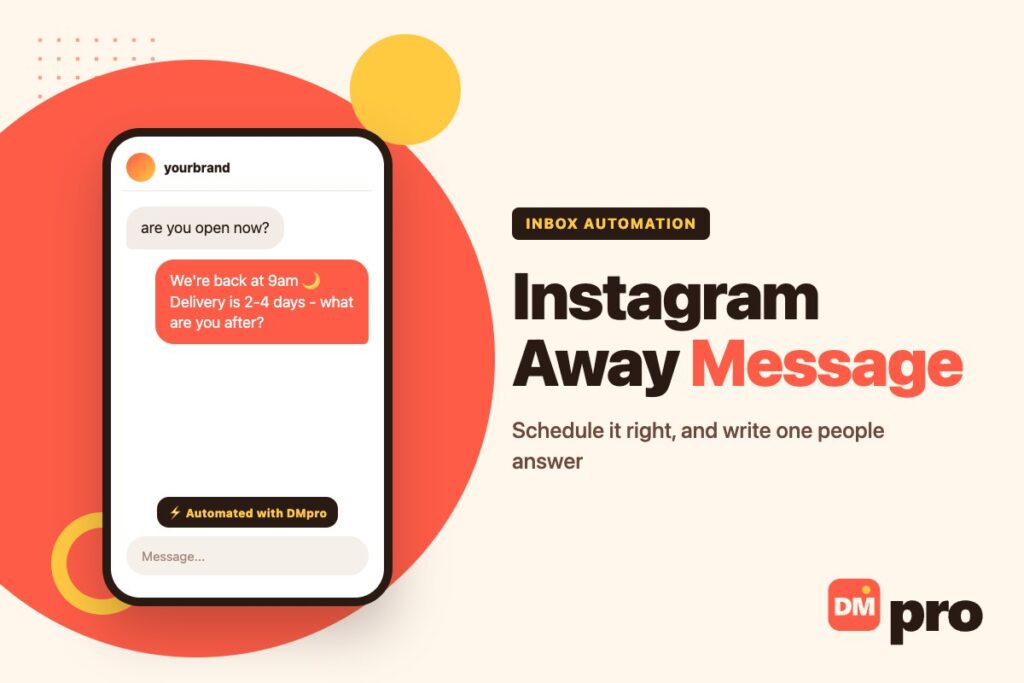
An away message is the reply someone gets when they message your business while nobody is there. On Instagram it is one of the few automations that almost every account should switch on, and one of the easiest to get subtly wrong.
The setting itself takes a couple of minutes. What decides whether it helps is the schedule – it only runs during the hours you give it, in the time zone you pick – and the wording, which is read at exactly the moment the person is most interested in you.
This covers both, plus the rules that decide when it sends and when something else sends instead. It fits into the wider question of using DMs as a marketing channel.
Key Takeaways
What an Away Message Does, and Where It Lives
The away message is one of the Inbox automations in Meta Business Suite, alongside the auto reply for first messages, frequently asked questions and keyword replies. Meta describes it simply as a reply to a message when you are not available, and it works across Messenger, Instagram and WhatsApp business accounts connected to Business Suite.
It is switched on per platform. Setting one up for your Facebook Page does not turn it on for Instagram – there is a separate switch for each, and some automations are not available on every platform.
It is set up in Business Suite rather than inside the Instagram app; the Instagram help pages we checked do not describe an in-app version. The other built-in options, and how they fit together, are covered in our guide to Instagram’s built-in auto replies.

Setting It Up in the Business Suite App
These are the steps from Meta’s guide to the Business Suite mobile app. On desktop the same template sits under Inbox, then Automations, then Create automation.
Open Automations in Inbox
Open the Meta Business Suite app, tap Inbox, tap the icon in the top-right corner, then Automations.
Choose Away message and switch on Instagram
Tap the Away message template, then under Platforms switch on Instagram. Messenger and WhatsApp have their own switches.
Write the message
Meta suggests using it to say how long you will be unavailable and when people can expect a response – the next section covers what else to include.
Set the time zone
Go to Schedule, select Time zone, search for your city and select it. Every hour you enter is read in this zone.
Add the days and hours, then save
Tap Add to schedule and choose the days along with a start and end time. Under Timing it shows the message is sent instantly in response to incoming messages. Tap Save.
The Schedule Is the Whole Setting
Meta’s guide is precise about one thing: the away message is only active during the hours you have scheduled, and outside those hours it stays off automatically. There is no always-on mode hiding elsewhere; the schedule is what the away message is.
That makes the direction of the schedule the most common mistake. The hours you enter are the hours it is active – the hours you are away – not your opening hours. Enter nine to six on weekdays by habit, and customers are told you are unavailable at precisely the times you are online, while evenings and weekends go unanswered.
The time zone matters for the same reason. It is chosen by searching a city, and if it is left on a default that is not yours, the schedule runs hours out of step. Worth checking whenever the clocks change, and whenever someone in a different country takes over the account.
Which Automation Answers When
Several automations can be switched on at once. These rules, from Meta’s own pages, decide which one the person actually receives.
| Situation | What gets sent |
|---|---|
| A message arrives during your scheduled away hours | The away message, instantly |
| It contains a keyword you set a reply for | The away message – the keyword reply is skipped |
| A custom automation you built from scratch also matches | The custom automation, which Meta sends first |
| The message arrives outside the scheduled hours | No away message; your other automations run as normal |
| Meta Business Agent is switched on | Nothing from the away message – it is paused |
| Your business or audience is in Europe or Japan | Some messaging features may be unavailable |
Meta’s overview of Inbox automations gives its own example of the keyword rule: if someone sends a message matching a keyword reply while your away message is on, the away message is what they get. The desktop setup guide adds that automations built from scratch are prioritised over the templates, and that switching on Meta Business Agent pauses existing automations such as away messages.
What to Write: Three Things Every Away Message Needs
An away message is read at the moment someone has just decided to contact you. Spending that moment on thanks for your message, we will get back to you shortly wastes it.
Three parts do the work. First, when a person will actually reply – a real time rather than soon, so the expectation is one you can meet. Second, the answer to the question you are asked most, whether that is delivery times, prices or a booking link, so many people need nothing more. Third, one easy next step: a question they can answer now, so the first human reply in the morning already has context.
Keep it short enough to read on a phone lock screen, and honest about timing. A promise of a reply within minutes, sent at midnight, costs more trust than no promise at all. If you already keep a bank of saved replies, our guide to Instagram DM templates covers writing them in the same voice.

Away Message Templates by Situation
Starting points to adapt – swap in your own hours, links and tone.
| Situation | Template |
|---|---|
| Evenings | Thanks for messaging! We’re offline until 9am and will reply first thing. What can we help with? |
| Weekends | Hi! We’re away for the weekend and back Monday at 9am. Tell us what you need and it’ll be the first thing we see. |
| Holiday or closure | We’re closed until [date] and will answer every message when we’re back. Orders placed now ship on [date]. |
| Travelling or reduced hours | We’re on reduced hours this week and replying within a day. For order questions, reply with your order number. |
| A launch or busy spell | We’re getting a lot of messages today – thank you! We’ll reply as fast as we can. Sizing guide: [link] |
| Playful brand voice | The team is asleep (probably dreaming about your order). Back at 9am – what are you after? |
Funny and Casual Away Messages: When They Work
Searches for funny or Gen Z out-of-office messages are common, and a playful away message can suit a brand whose whole voice is playful. A creator account or a streetwear shop can get away with far more than a clinic.
The test is who is messaging you outside hours. If it is mostly fans and curious browsers, a joke lands. If it is people with a problem – a late order, a wrong charge, a complaint – humour reads as not taking them seriously, and the away message is the first thing they see.
A safe middle ground is a warm, human line plus the three parts above. The joke is optional; the time, the answer and the next step are not.
Answering Instead of Apologising, With DMpro
An away message tells people when you will reply. DMpro can reply instead. A campaign with a Direct message trigger and an AI response step answers questions at any hour from instructions and documents you attach – a price list, a delivery policy – with a cap on how many messages it sends and an idle timeout before it stops.
Where the answers are fixed, a scripted flow works as well: a Paths step offering Track my order, Prices and Talk to a person, each leading to its own reply. Anything that needs a human sits in the Conversations inbox for the morning, with the history intact.
One thing to avoid: running Business Suite’s away message and an always-on DMpro campaign at the same time, which can send people two automated replies. Pick one for off-hours. For the difference between the built-in options and a tool, see our guide to Instagram auto replies.
Away Messages Beyond Instagram
The same automation exists for Messenger and for WhatsApp business accounts connected to Business Suite, each with its own platform switch – the Page side, including its keyword rules, is covered in our guide to Facebook Messenger auto reply. The WhatsApp Business app also has its own away messages, and how those fit alongside greeting messages and quick replies is covered in our guide to WhatsApp automation.
If several people share one inbox, the away message is also where a rota shows up to customers. Scheduling it around who is on duty, rather than a fixed nine to six, avoids telling people nobody is there when someone is – the practical side of which is in our notes on sharing one inbox across a team.
When an Away Message Is Not Enough
An away message is an honest promise to reply later. For the price question at 11pm or the size check before checkout, later often means someone else’s shop.
DMpro answers in those hours on Instagram with AI responses you control, or with scripted menus when the answers never change – and hands the rest to your team in one inbox.
- AI responses from your own instructions and documents
- Message caps and idle timeouts so it knows when to stop
- Scripted Paths menus for fixed answers
- 180+ language translation on every plan
- Conversations inbox for anything that needs a person
- Night-time questions answered, not just acknowledged
- You decide exactly what it is allowed to say
- Free plan to test on real messages
- AI responses run on Instagram, TikTok and Telegram – not on WhatsApp or Messenger
Conclusion
Instagram’s away message lives in Meta Business Suite, is switched on per platform, and runs only during the hours you schedule in the time zone you pick. Enter the hours you are away, not your opening hours, and check the time zone.
It sends instantly, outranks a matching keyword reply, gives way to custom automations, and pauses whenever Meta Business Agent is on – the four rules behind almost every away message that seems to misbehave.
Then write it to be useful: when a person will reply, the answer people usually want, and one easy next step.
Instagram DMs answered at any hour – 250 conversations a month free.
Cover the off-hours